Your Dev Services,
One Dashboard.
Manage, monitor, and orchestrate all your local development services from one beautiful dashboard. Real-time metrics, auto-restart, smart port handling.
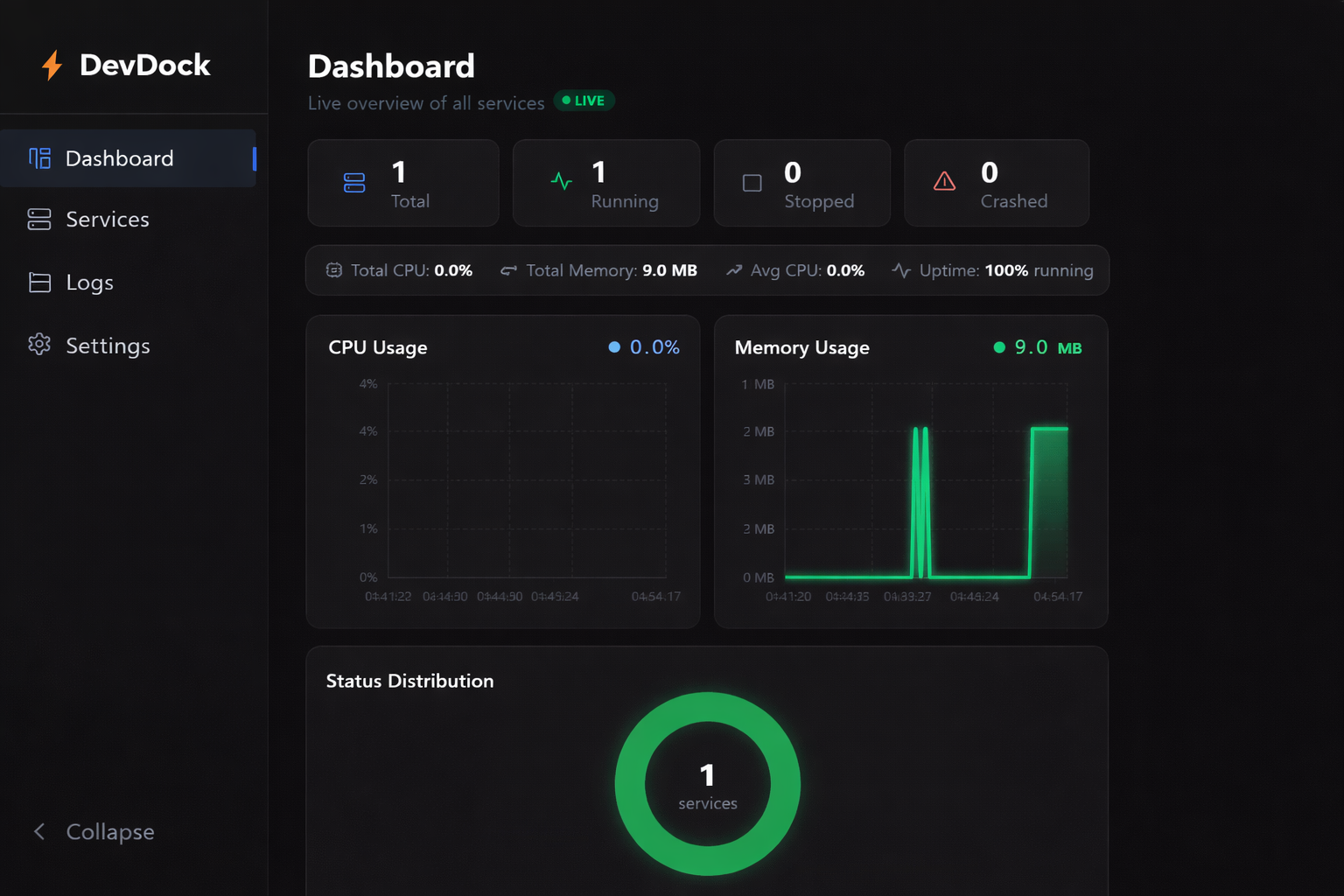
Everything you need to manage local services
DevDock gives you a complete toolkit for managing your development environment.
Real-time Monitoring
Live CPU & memory charts for every service. See resource usage trends with animated Recharts visualizations.
Service Management
Start, stop, and restart services with one click. Manage all your local dev processes from a single dashboard.
Smart Port Handling
Auto-detects port conflicts and reassigns ports automatically. No more 'port already in use' headaches.
Auto-Restart
Crashed services restart automatically with exponential backoff. Your dev environment stays running smoothly.
Unified Logs
All service logs in one searchable, color-coded view. Filter by service, search by keyword, auto-scroll to latest.
Cross-Platform
Works on Windows, macOS, and Linux. Available as .exe, .dmg, .AppImage, and .deb packages.
Get started in minutes
Three simple steps to a better dev workflow.
Install
Download the DevDock binary for your operating system, or build from source with npm.
Add Services
Configure your local dev services - name, command, working directory, port, and restart behavior.
Monitor
Start all services and watch real-time CPU, memory, and status charts on your dashboard.
See it in action
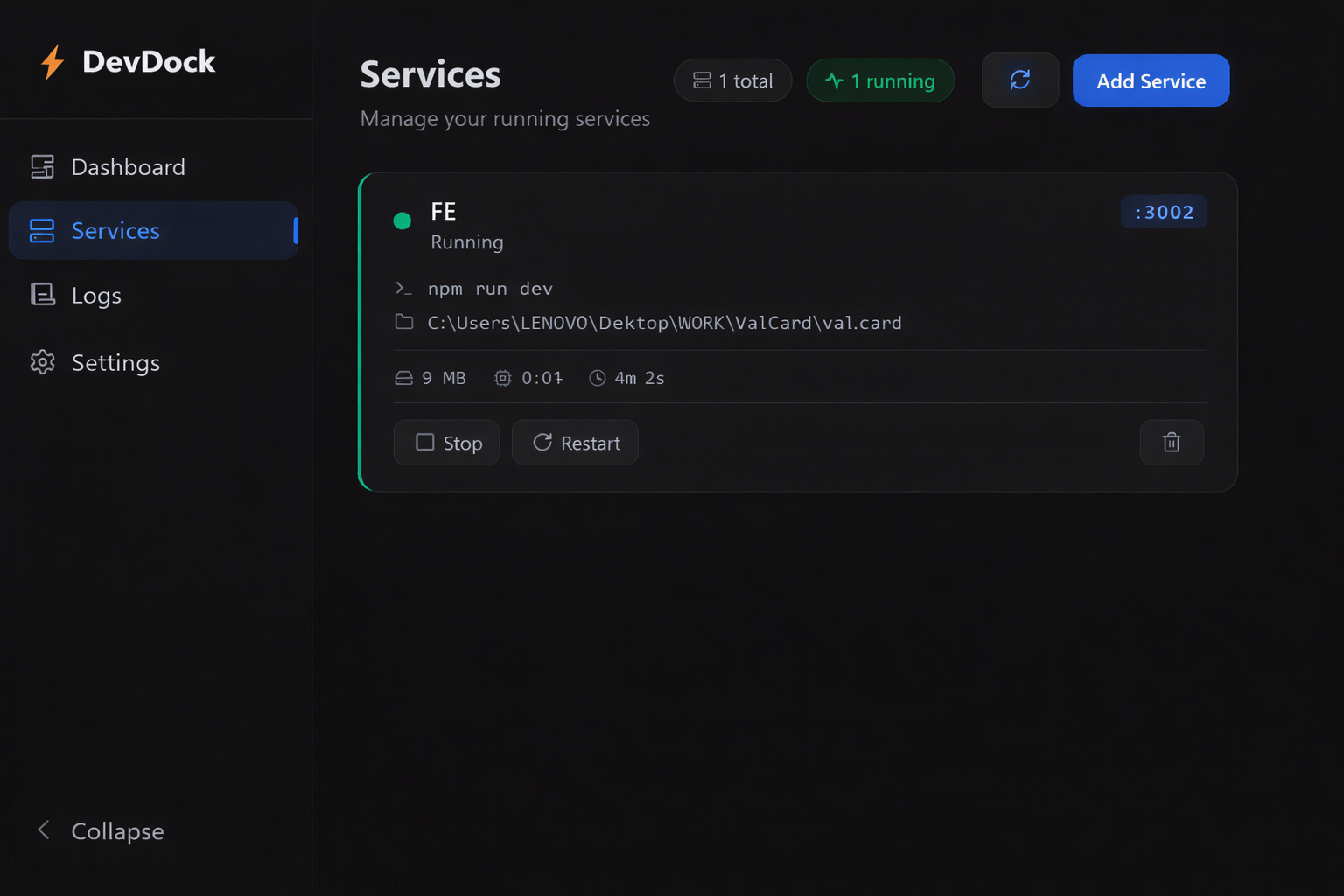
Services
Manage all your dev services
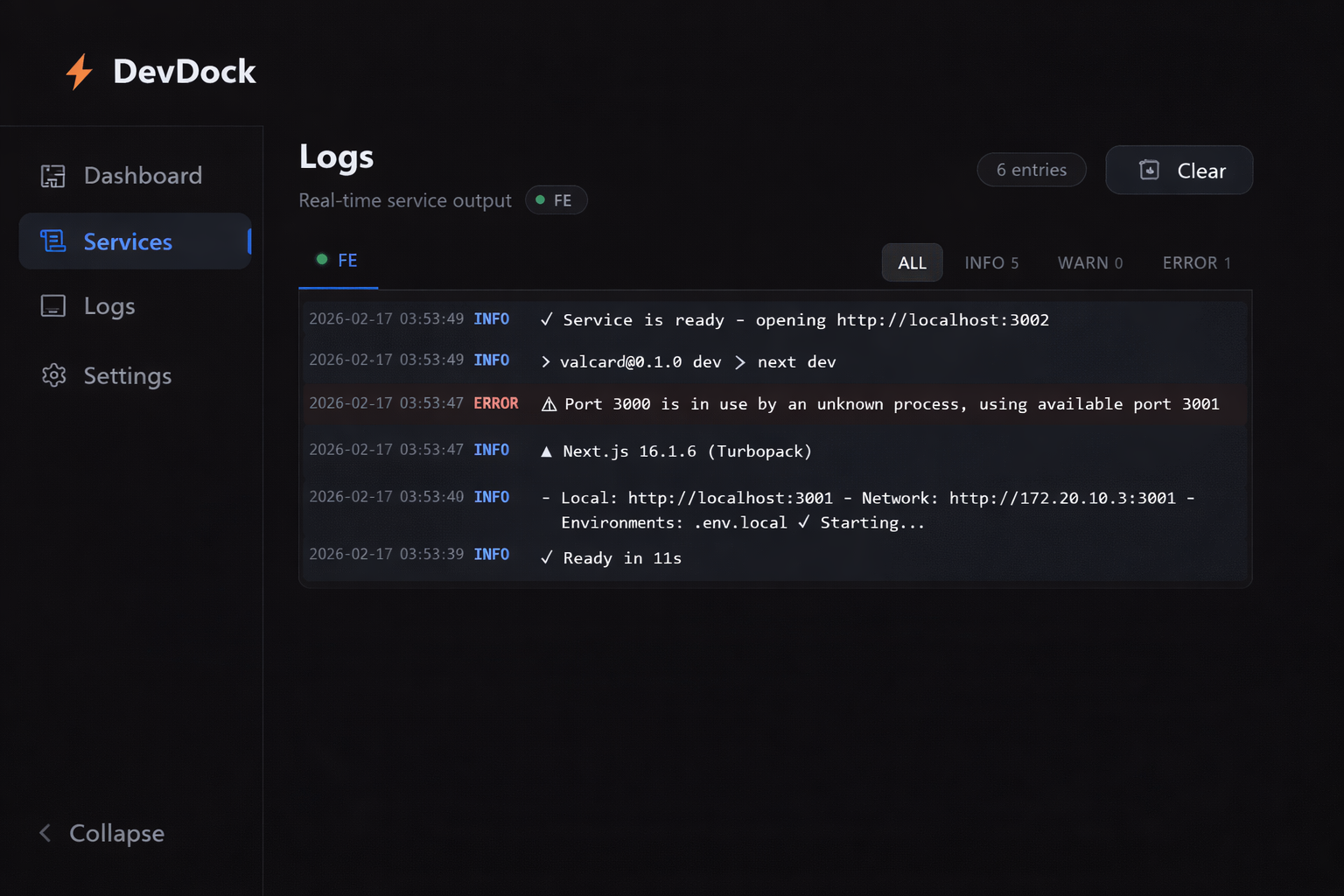
Logs
Unified log viewer for all services
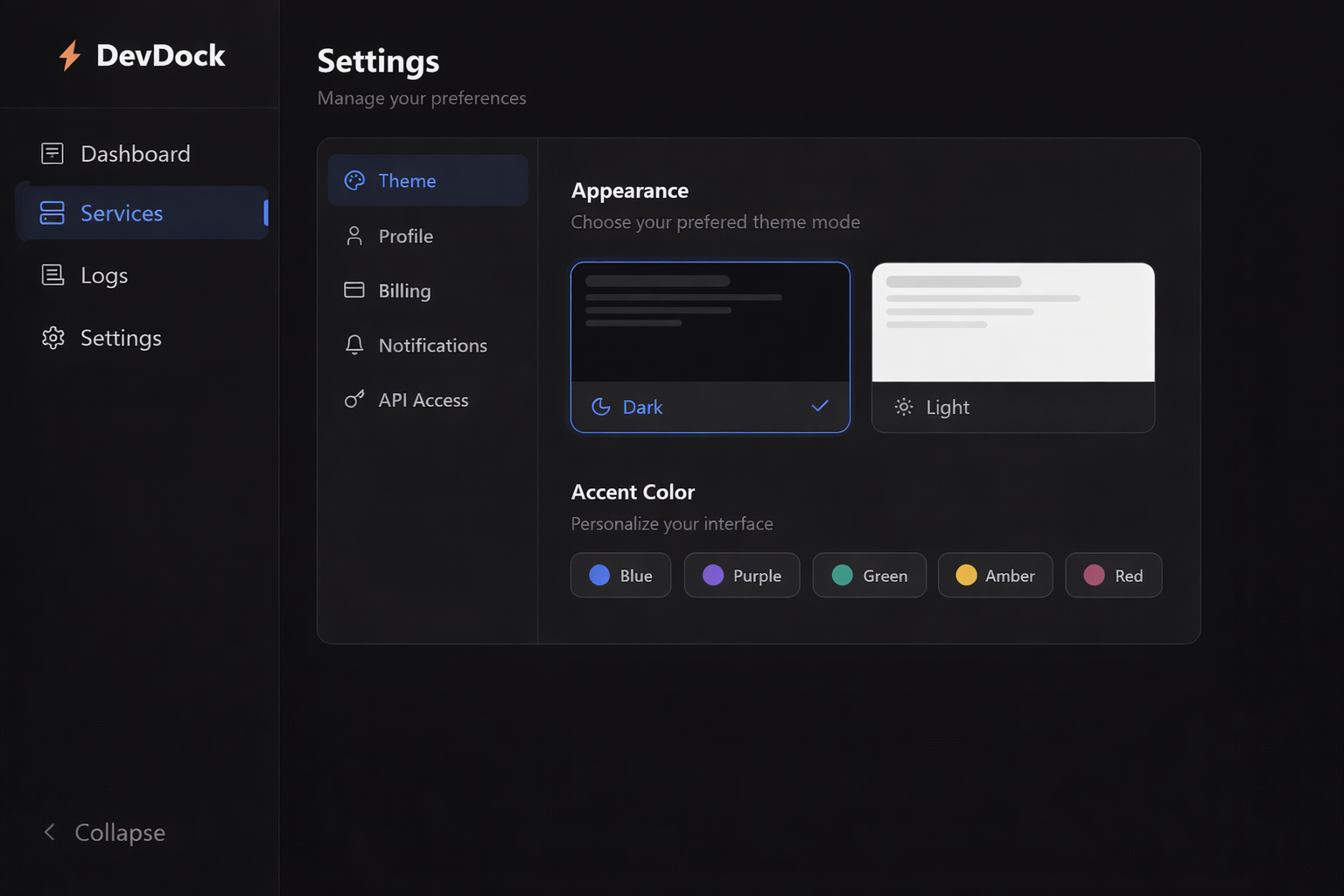
Settings
Configure DevDock to your liking
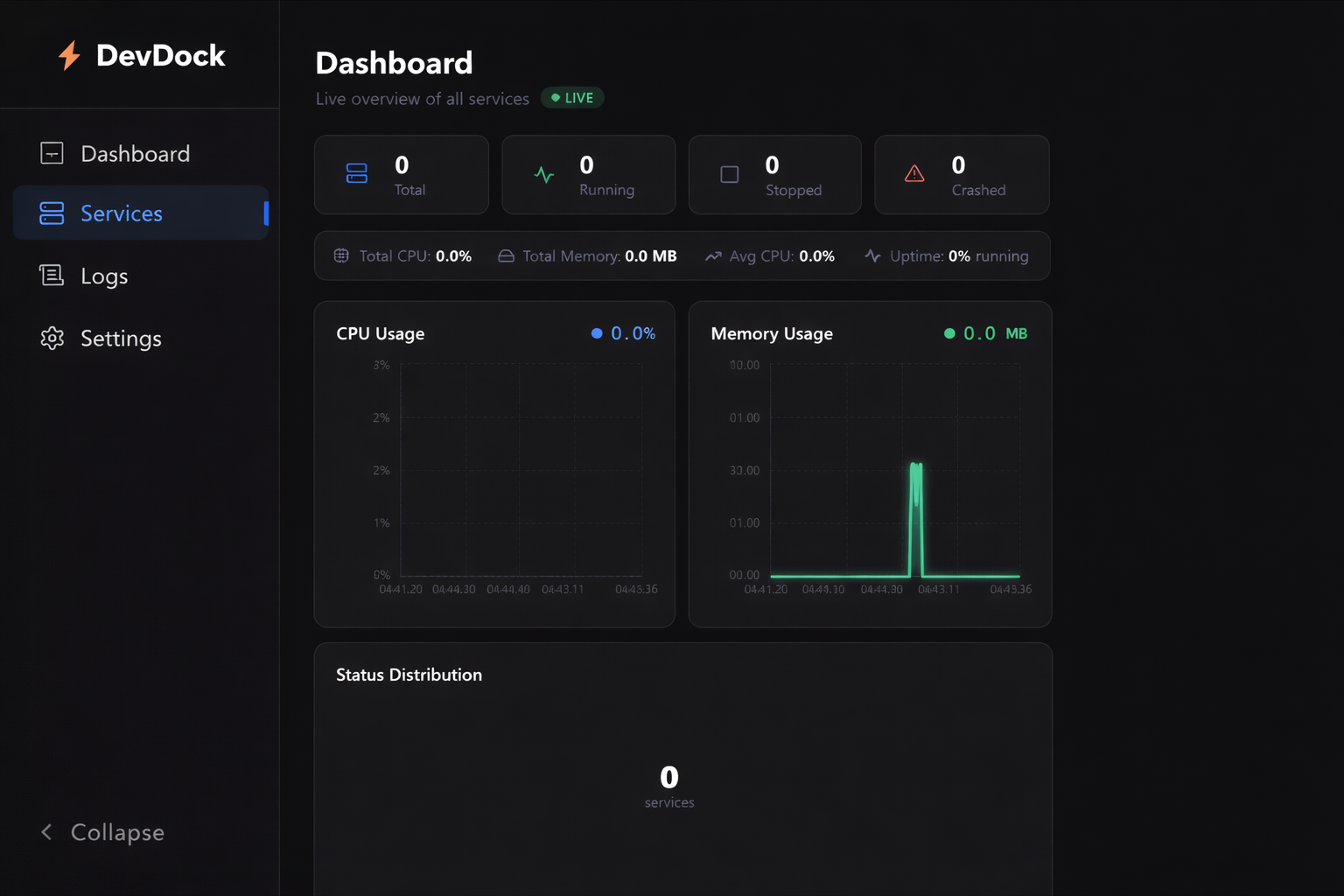
Dashboard (Idle)
Dashboard ready for your services
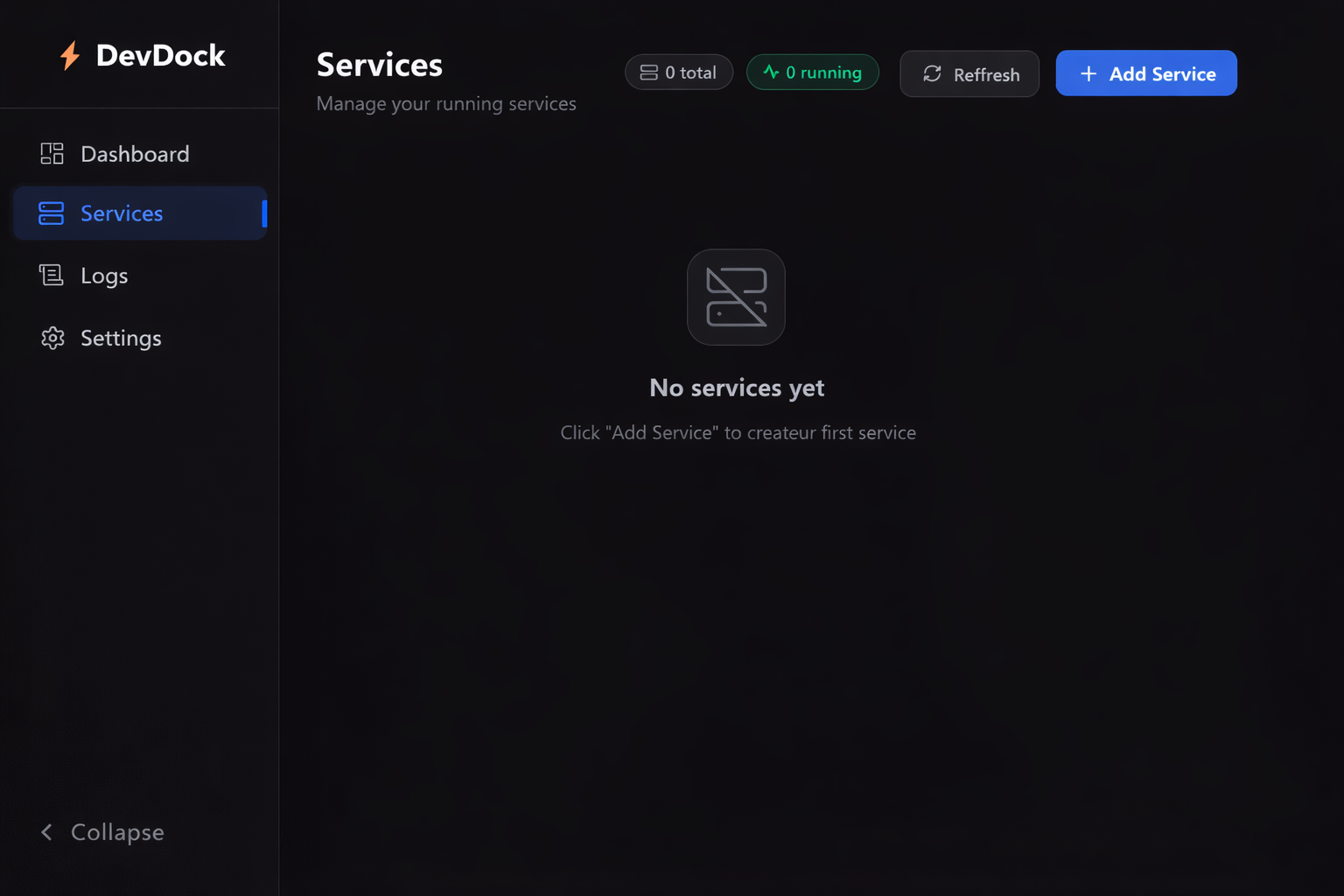
Services (Empty)
Clean start - add your first service
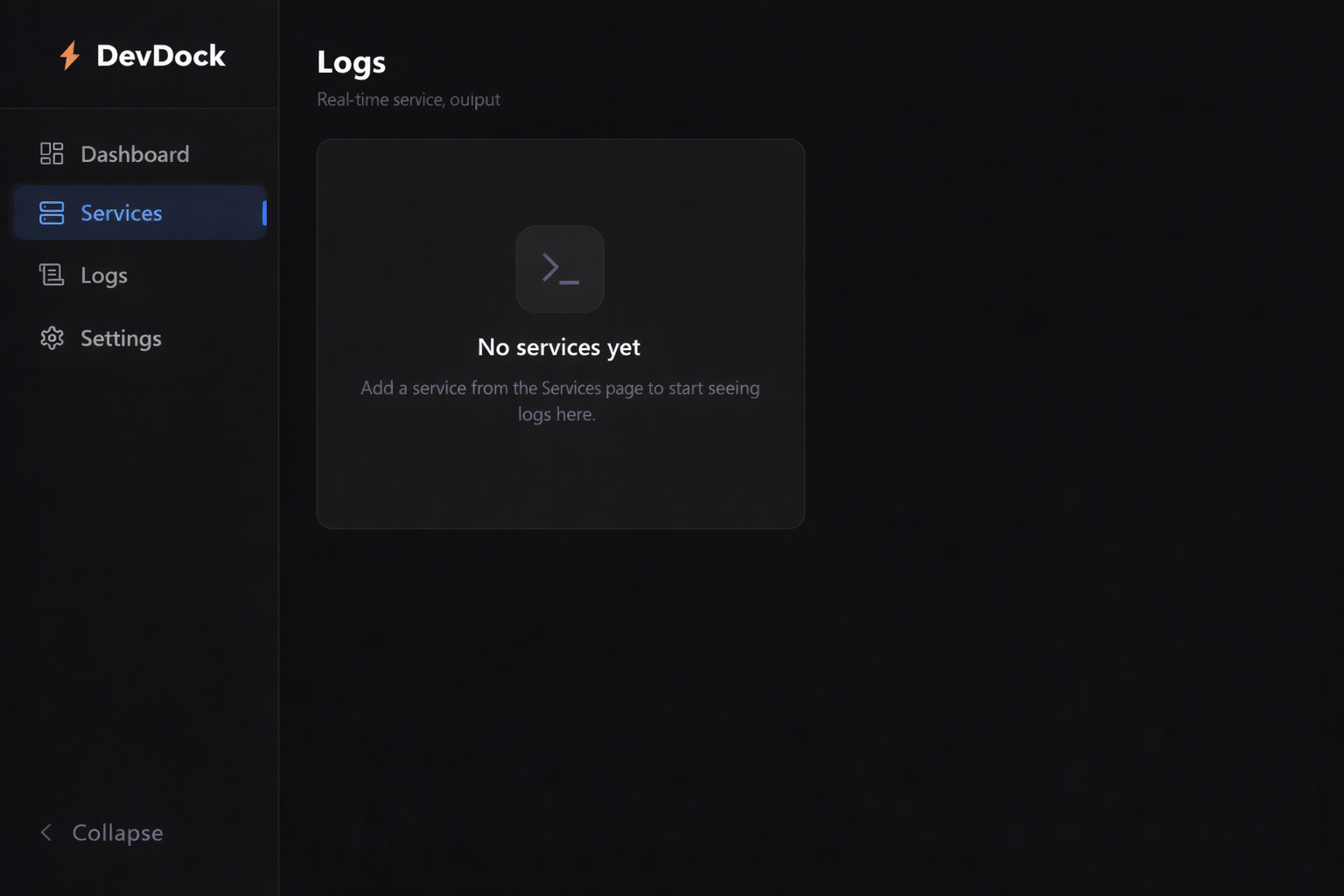
Logs (Empty)
Logs appear as services run
Ready to streamline your workflow?
Download DevDock for free and start managing your services today.
Or view all releases on GitHub